MORIKI ENGINEERING / iOS APP
Quick3D Viewer
3D CAD Viewing, Made Simple.
A free 3D viewer developed by Moriki Engineering for iPhone and iPad. Open CAD and 3D models in a range of formats, wherever you work. Formerly known as QuickSTEP Viewer.
About the app
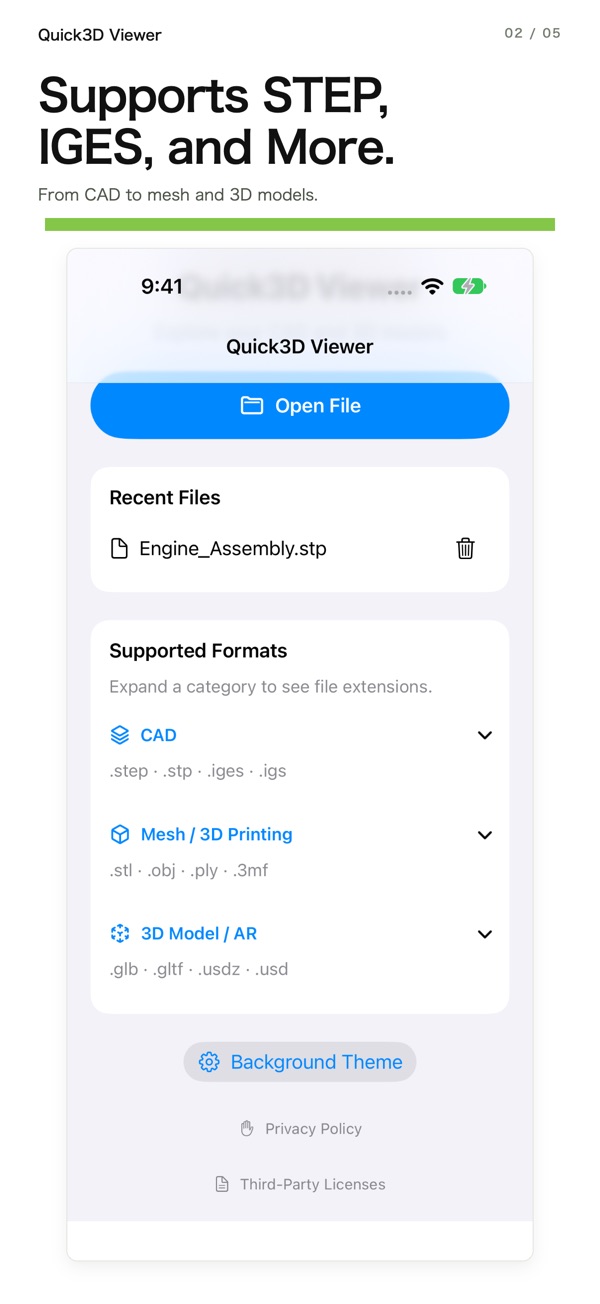
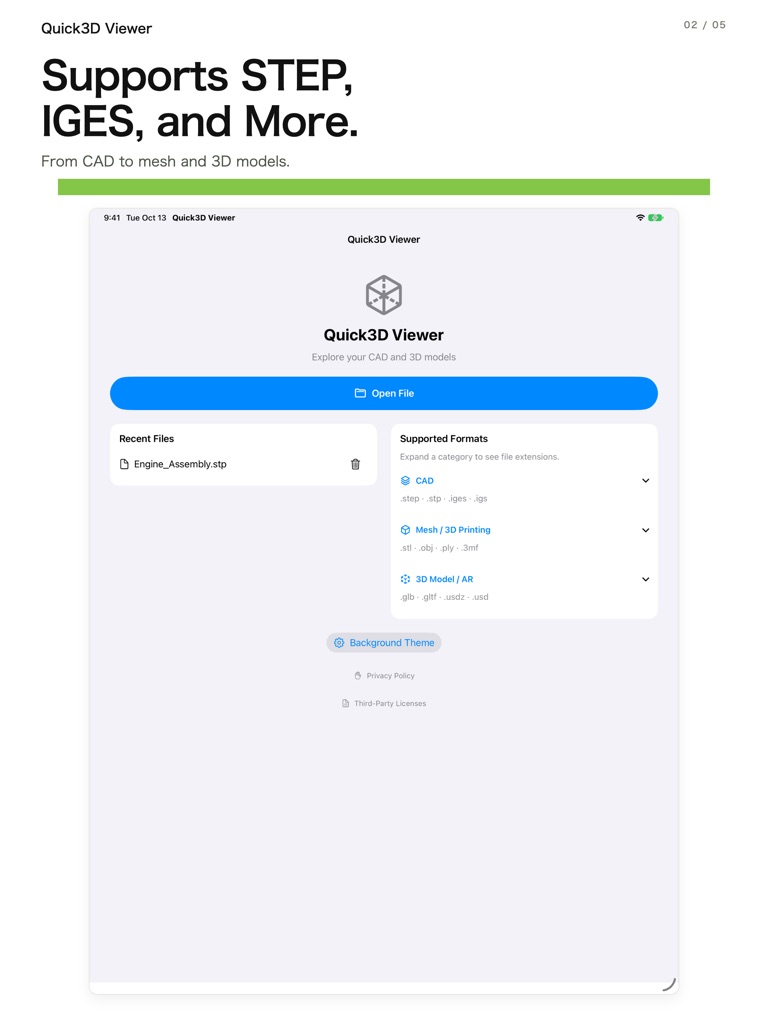
Version 1.1 introduces the Quick3D Viewer name and adds STL, OBJ, PLY, 3MF, GLB and USDZ to STEP and IGES support. It also adds a full-screen mode and improves layouts for iPhone and iPad.
Based on the App Store listing for version 1.1, checked on October 15, 2026.
Key features
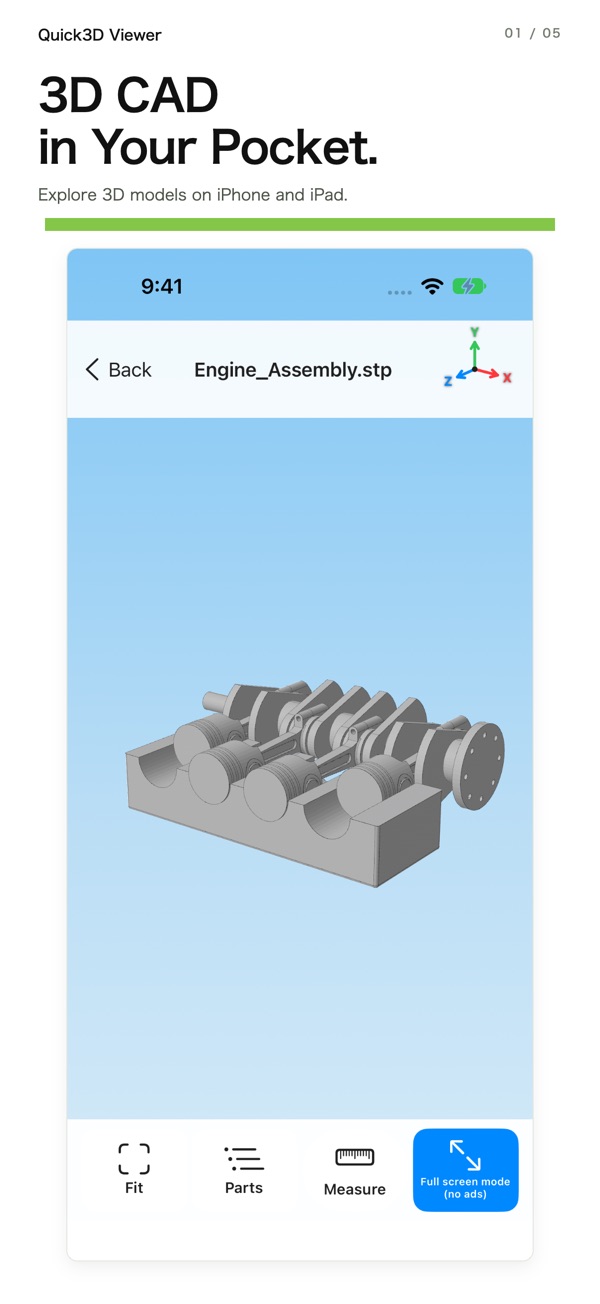
- Open CAD and 3D models in multiple file formats.
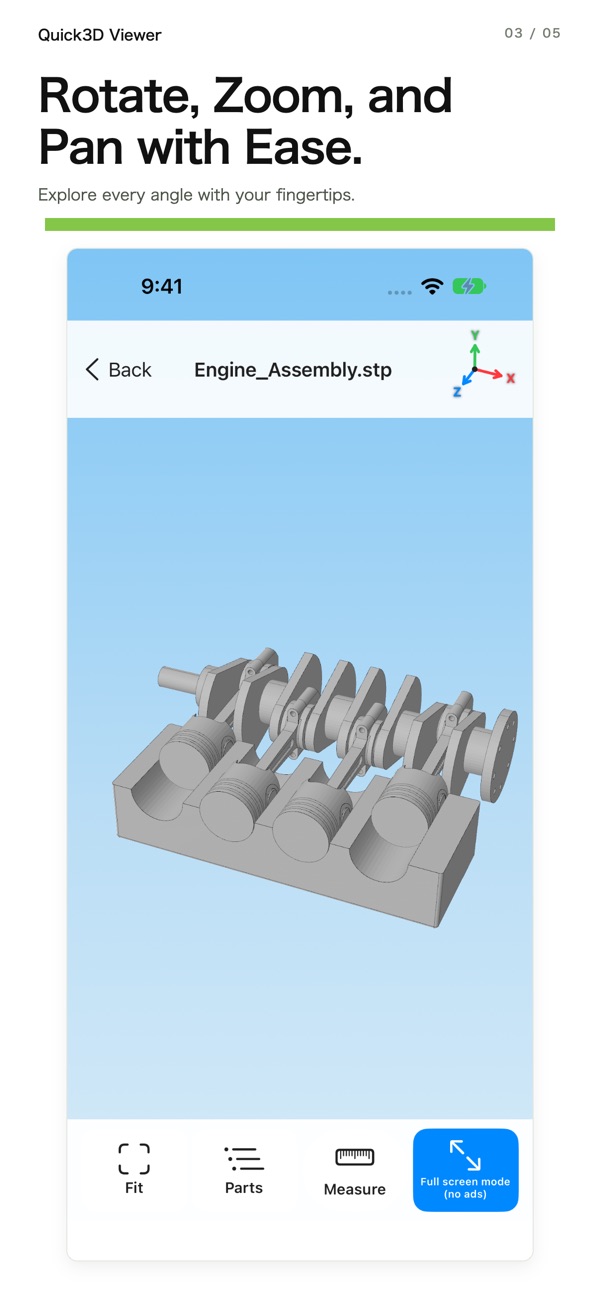
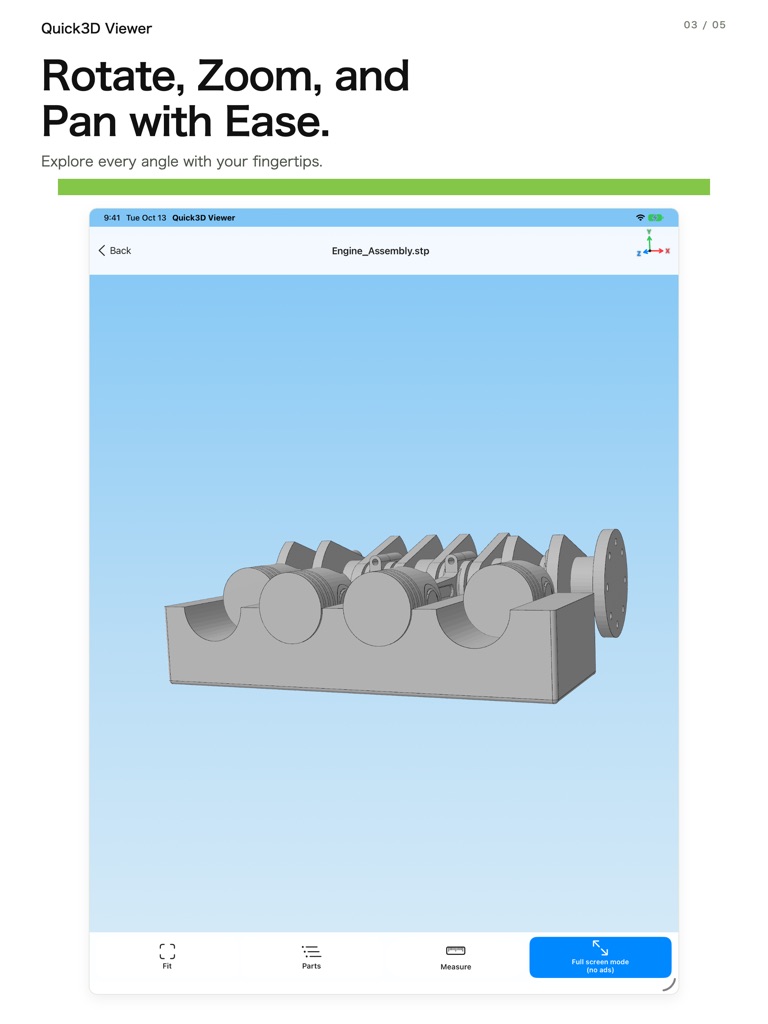
- Rotate, zoom and pan models with touch gestures.
- Use full-screen mode to view models with banner ads hidden.
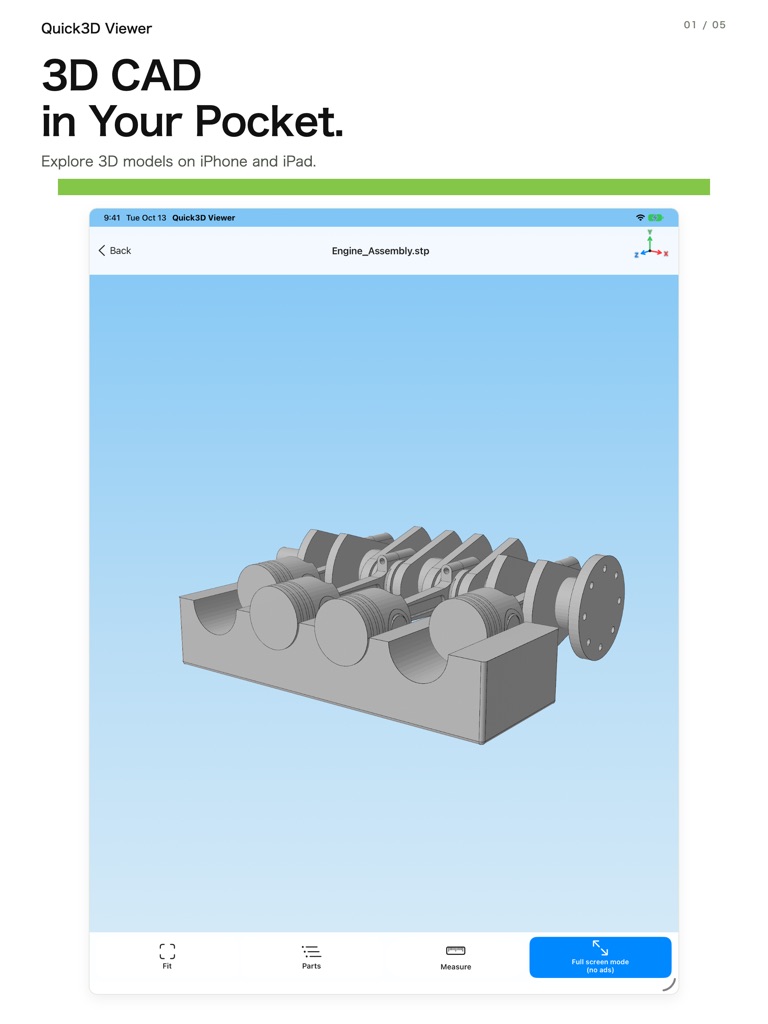
- View models with layouts optimized for iPhone and iPad.
Supported file formats
- STEP / STP
- IGES / IGS
- STL
- OBJ
- PLY
- 3MF
- GLB
- USDZ
Formats listed in the App Store description for version 1.1.
Screenshots
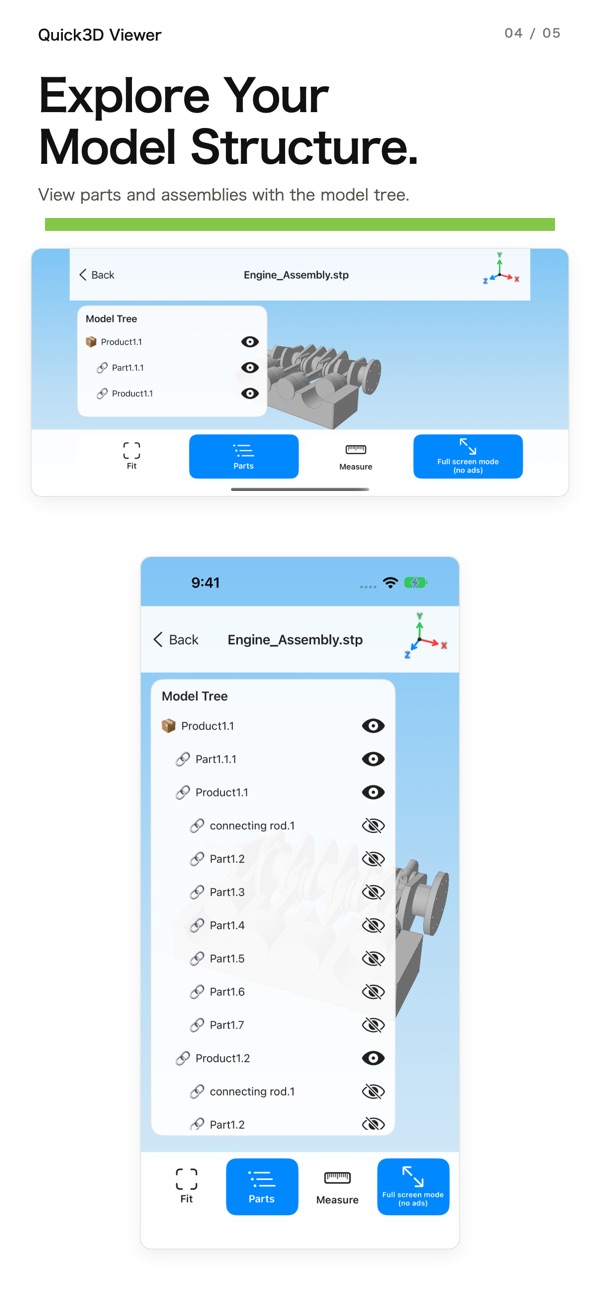
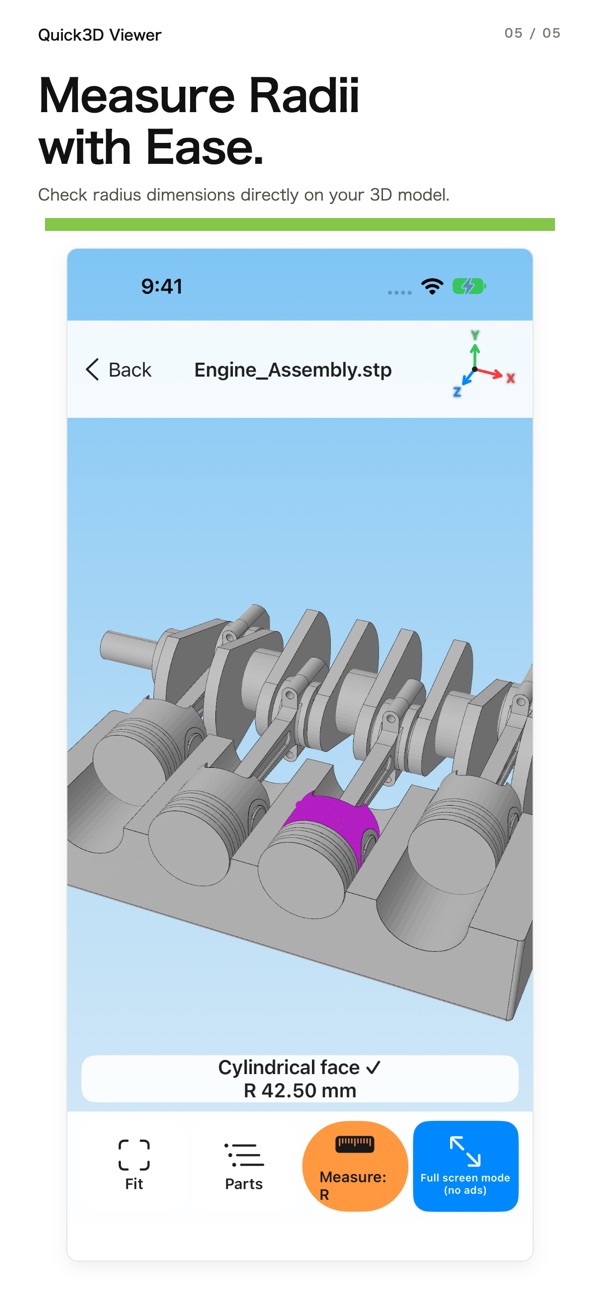
Official App Store screenshots. Scroll horizontally to browse and select an image to open a larger view in a new tab.
iPhone
iPad
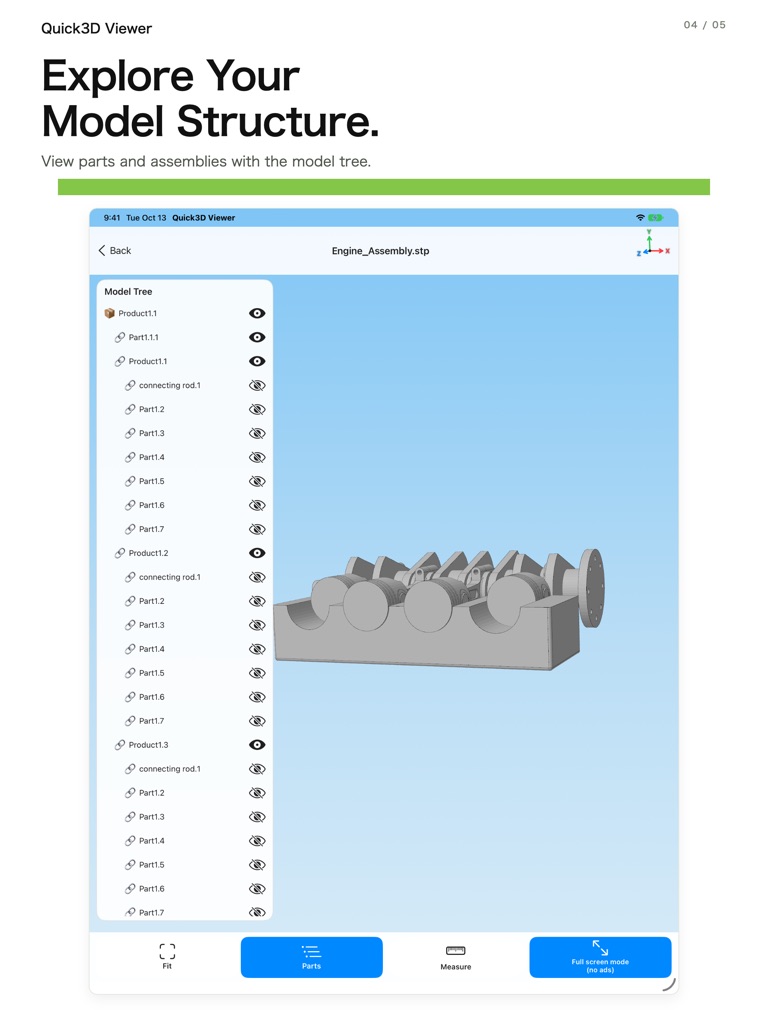
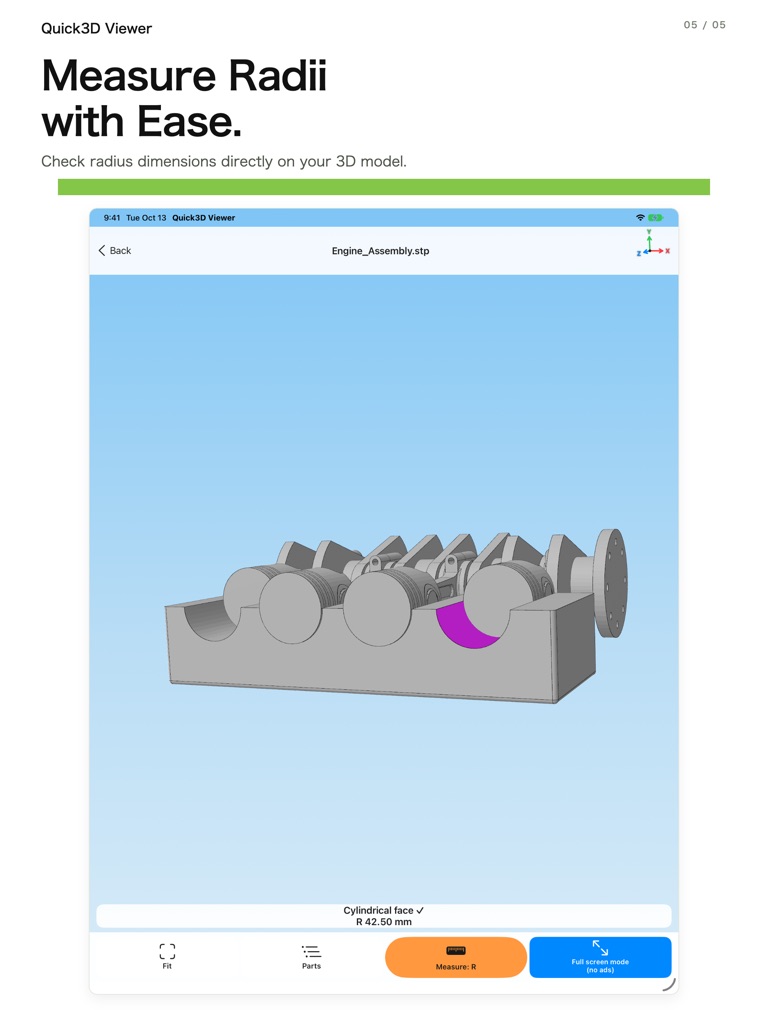
Source: Quick3D Viewer on the App Store.
Supported devices
- iPhone: iOS 18.6 or later
- iPad: iPadOS 18.6 or later
The App Store also lists Mac compatibility with macOS 15.6 or later and an Apple M1 chip or later, but notes that the app is not verified for macOS.
Download
See the App Store for availability and the latest app information.
Privacy policy & support
For app support, contact the developer by email.